Floor plan and sections
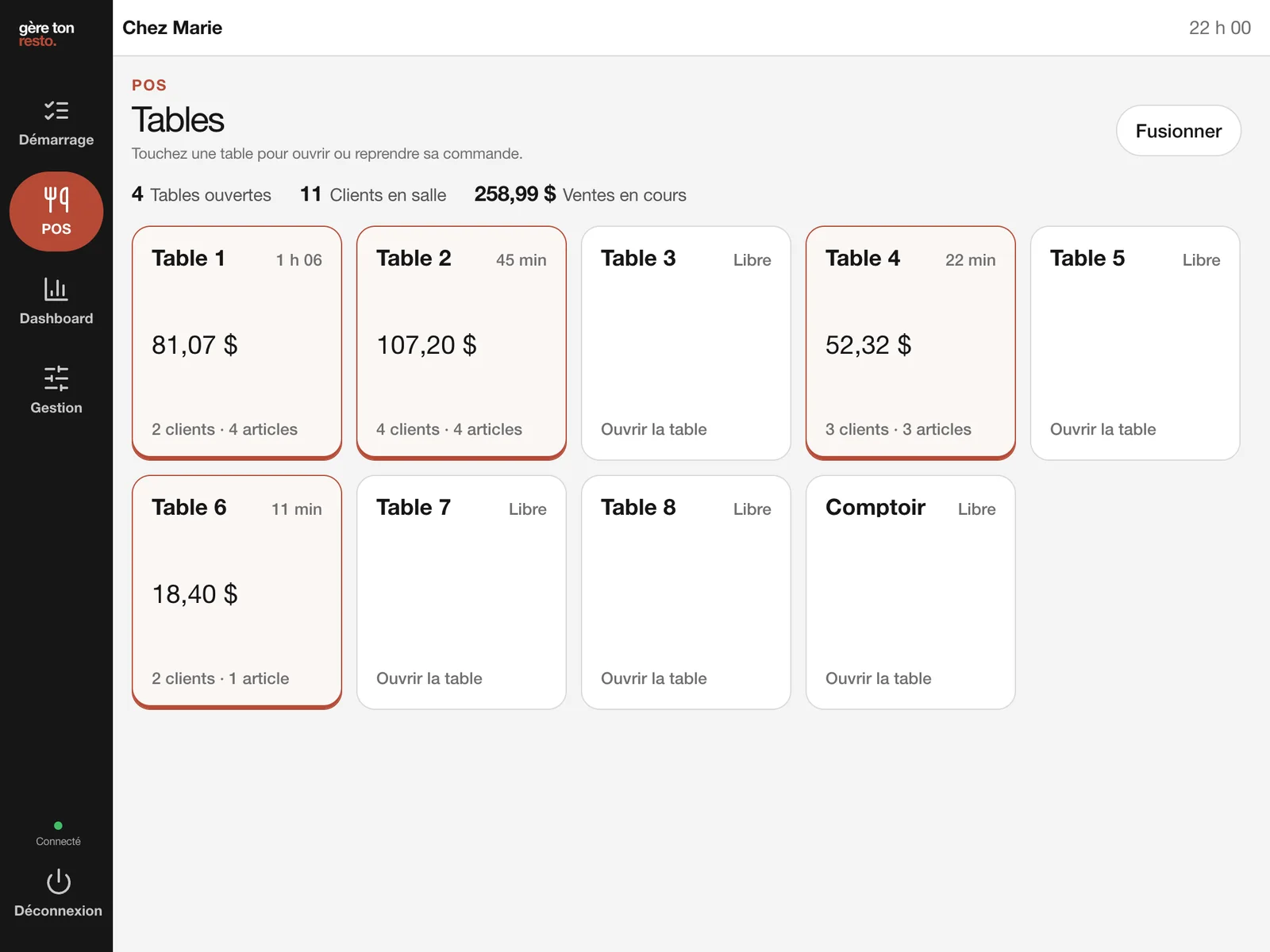
Your tables and sections on screen so you can read the room at a glance.
DESIGNED AND DEVELOPED IN MONTREAL
Choose Reservations, POS, or both. Manage them from one place.

EVERY DAY
Your tables and sections on screen so you can read the room at a glance.
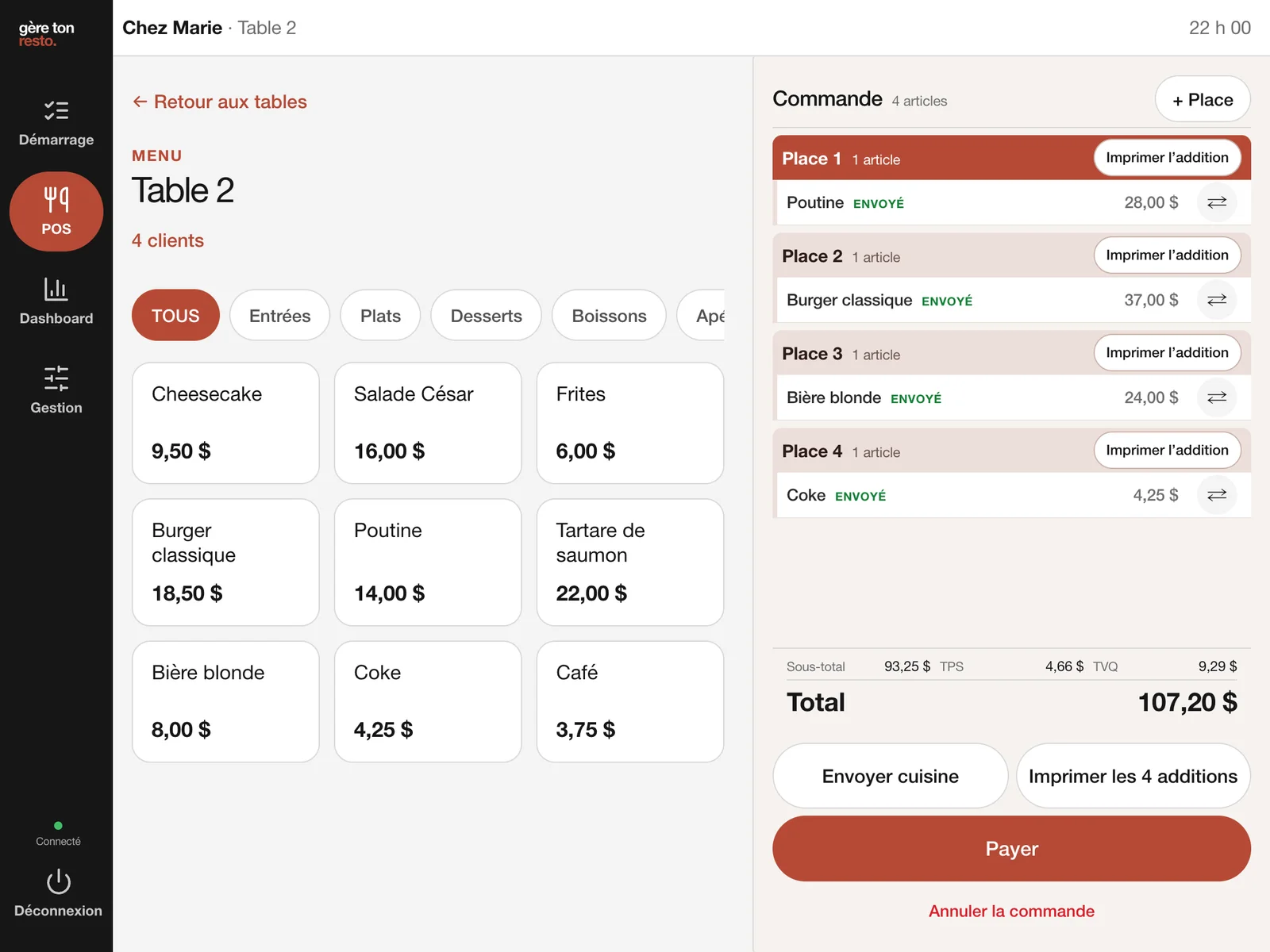
Take orders at the table and assign each dish to the right seat.
Tickets go to the right kitchen or bar station.
A page in your name where guests pick a date, time and party size, 24/7.
You set the days, service hours and the interval between arrivals.
Set how many guests can come at once, how long a meal lasts and how far ahead guests must book.
THE POS IN PICTURES
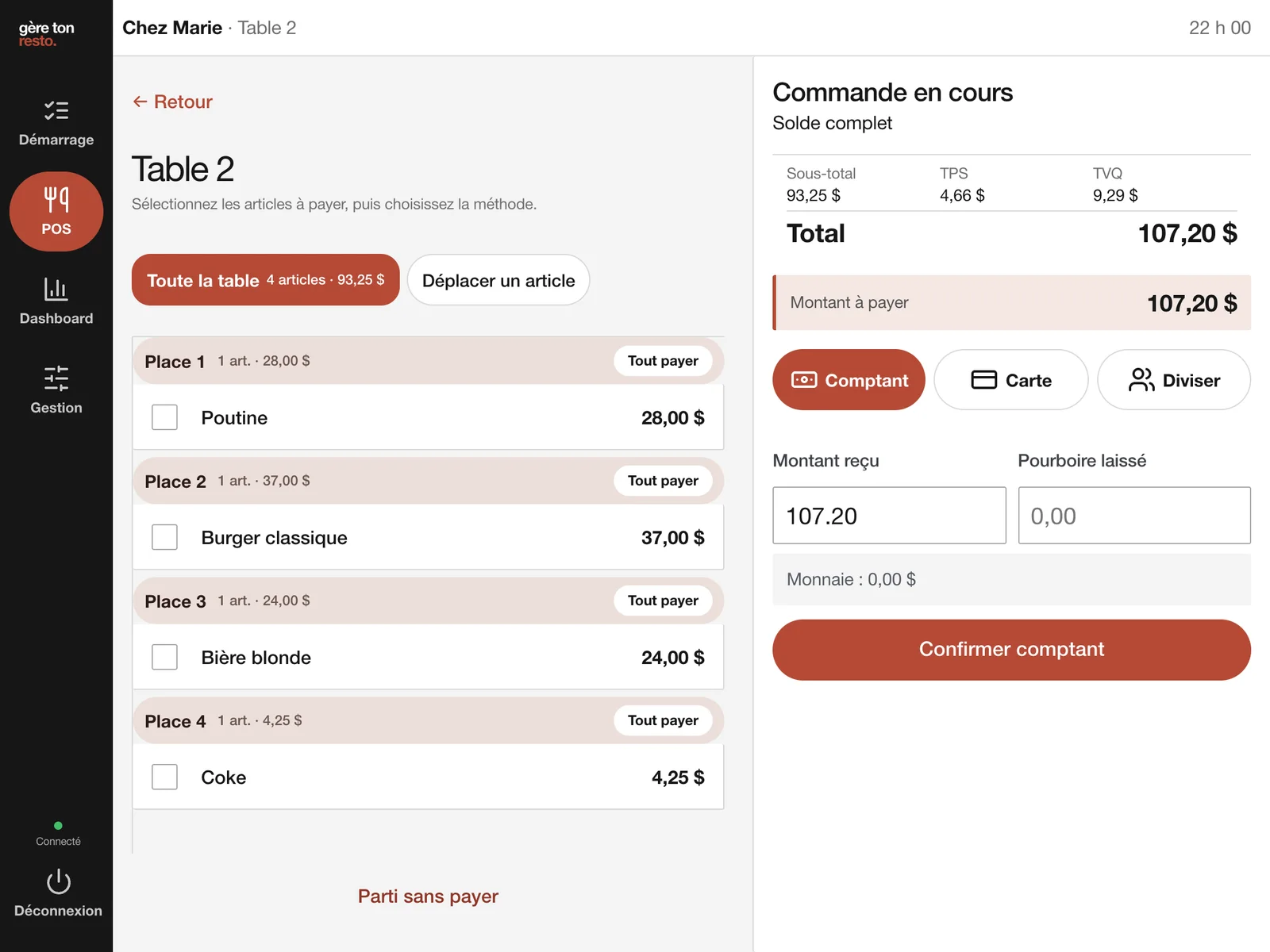
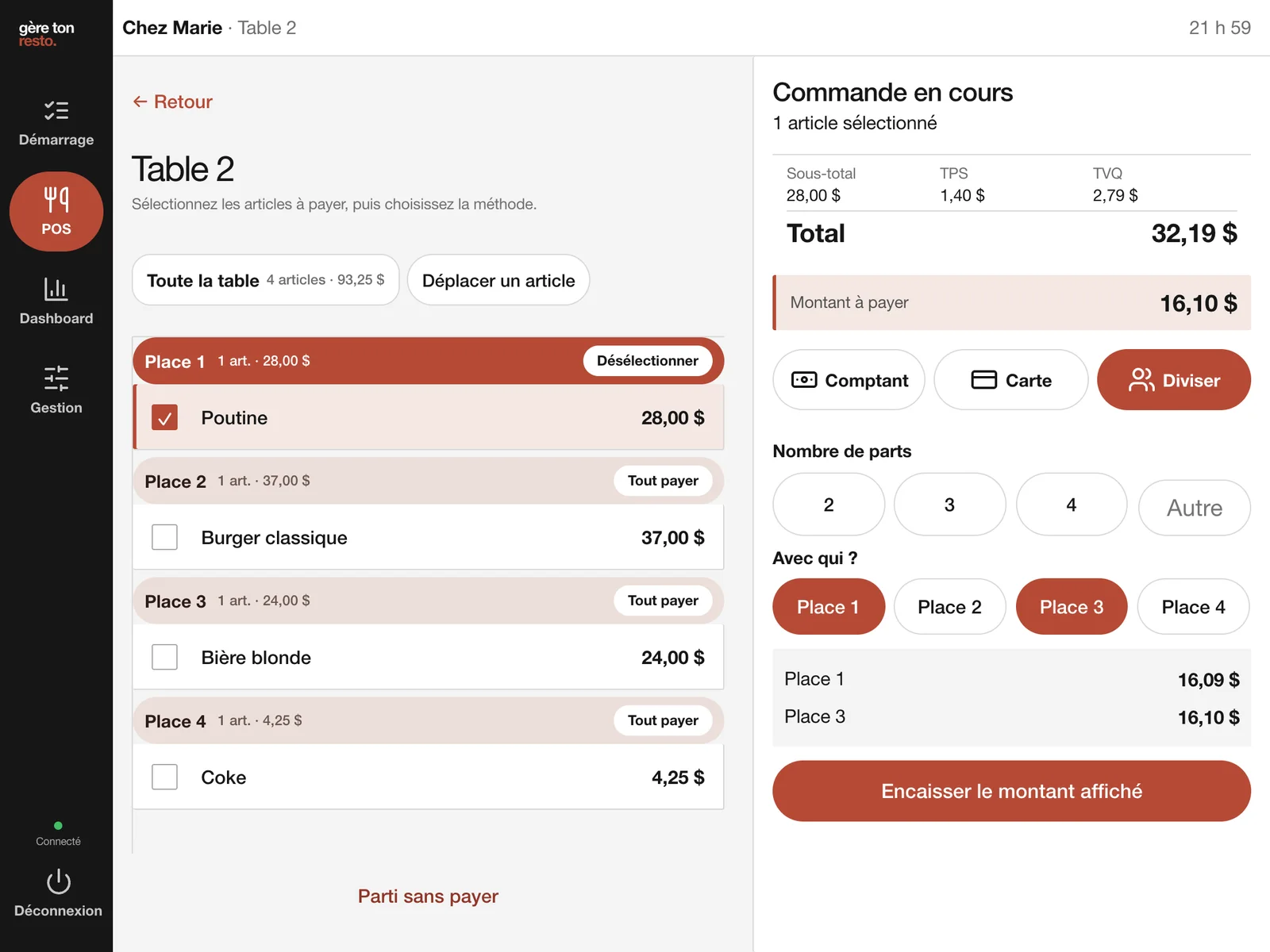
Real screenshots of the app on iPad.
Choose POS, Reservations, or both based on how your restaurant operates.
Keep your choice of compatible hardware instead of being forced into a complete hardware kit.
When both products are active, manage them in the same portal.

POS
The POS will be available once certified by Revenu Québec. Meanwhile, try Reservations: $75 CAD / month after 30 days free.